In short
- Capacity-based RPA licenses are sized by how many runs can happen at once, not by the work done.
- Scheduling against deadlines and recovering failures early flattens the peak, so the same work needs fewer licenses.
- Measured in Optomo customers' production estates, orchestrating this way has meant 45% fewer licenses to pay for, before the cost of the layer that does the scheduling.
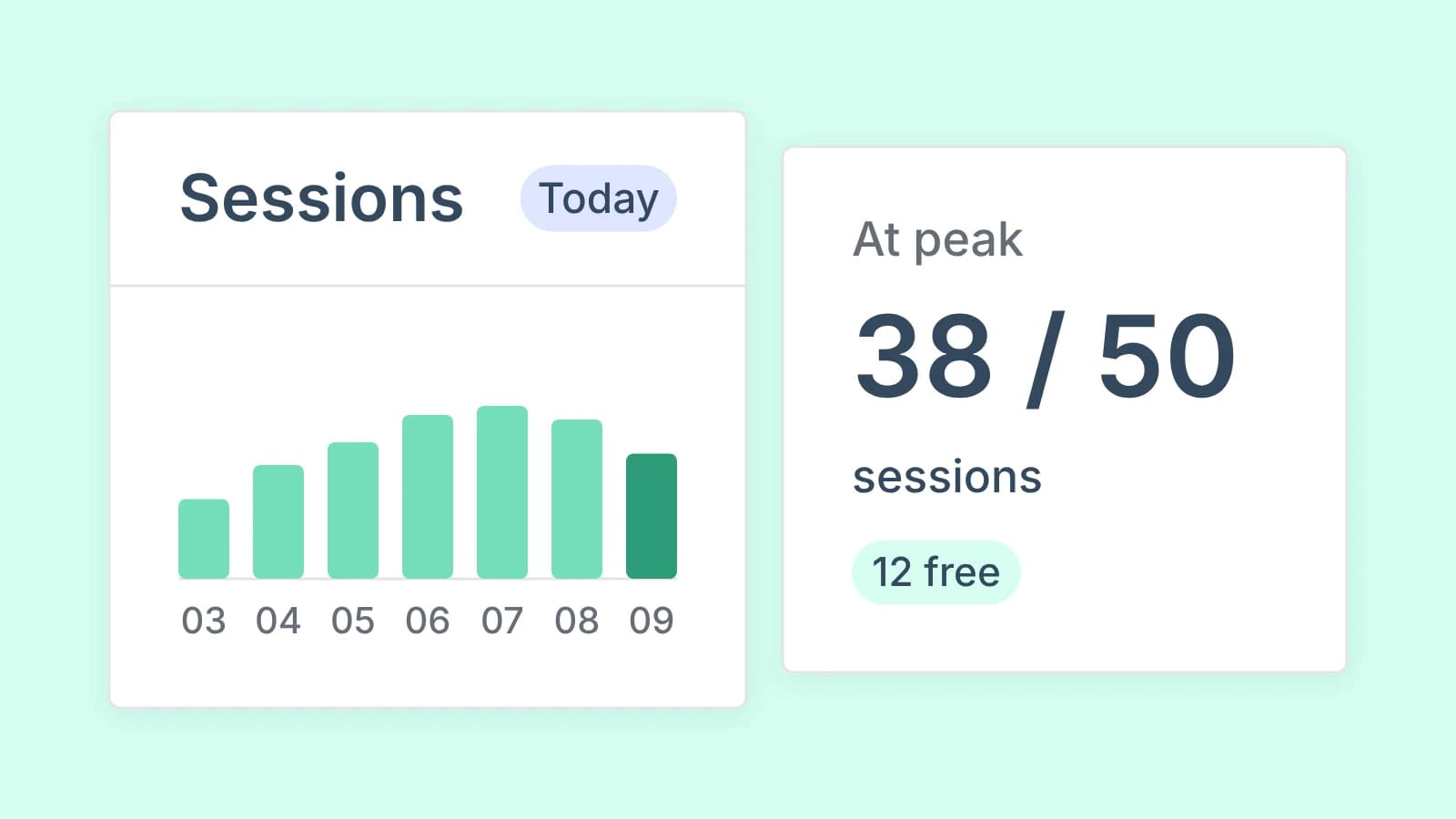
You pay for your busiest half hour, not for the work. The standard unattended licenses from UiPath, Blue Prism and Power Automate are sized by how many runs can happen at the same time, and schedules written for the clock pile work into the same morning window. Cut the peak, not the automations: schedule against deadlines instead of start times, inside the windows your target systems allow, and recover failures before they turn into reruns. Measured in Optomo customers' production estates, orchestrating this way has meant 45% fewer licenses to pay for, before the cost of the layer that does the scheduling. Your figure depends on how your peak is built: the worked example below gets 24% from timing and recovery alone, and step 1 shows how to measure your own.
How UiPath, Blue Prism and Power Automate count licenses
For unattended work on your own machines, all three count capacity the same way.
- UiPath: "The number of runtimes assigned to a machine represents the maximum number of concurrent executions." One runtime runs one unattended automation at a time.
- Blue Prism: the license sets how many sessions can run concurrently, and Blue Prism 7.3's documentation says that count "includes all pending and running sessions". Check that your contract counts the same way.
- Power Automate: a Process license allocated to a machine "can run one desktop flow at a time". To run more in parallel, you buy a license for each parallel run.
Some contracts use consumption instead. UiPath's own hosted machines, VM and serverless, consume platform units, the serverless ones per runtime minute, and Power Automate offers pay-as-you-go next to Process licenses. Check which model each contract uses before you size anything. The rest of this article is about capacity-based licenses on your own infrastructure.
For those, the bill follows concurrency. A license is worth what it runs across the day, but you buy enough for the moment the most runs overlap.
Where the peak comes from
Clock-based schedules. "Start at 06:30 so the report is ready by 08:00" is the usual choice. When most teams make it, the morning needs every license you own while the early hours need a fraction of them.
Machines tied to one application or team. Even estates that pool their machines keep them apart because of the applications installed on each image, the VDI each team owns, or the service accounts each machine uses. Every separate group carries its own peak.
Late reruns inside the peak. A run fails at 06:40, nobody notices until the business asks at 07:45, and the rerun at 07:50 needs a license while every one is in use. A retry at 06:41 would have used the capacity the failed run had just released.
A second platform. Where UiPath runs next to Blue Prism, processes that touch the same core system share its open hours and its session limits. Each platform's scheduler plans the work on its own platform, so both crowd into the same morning hours and each keeps its own margin for the same constraint.
None of this shows up as waste on an invoice. It shows up as a renewal quote that grows with the number of processes, even when most licenses idle most of the day.
What limits how far the peak can fall
The peak is not free to move. Before planning anything, write down what holds it in place.
- Target-system windows. The core system's end-of-day batch and maintenance windows lock out the processes that touch it. Cut-off times for payments and reporting fix the other end.
- Session limits on the target side. Applications and service accounts often allow only so many concurrent logins, whatever your RPA licenses allow.
- Application images. A process can only move to a machine that has its applications installed and its credentials available.
- Change control. Moving a schedule in a regulated estate is a change. Batch the moves and plan them with the change board, not one ticket at a time.
A worked example on Blue Prism
The numbers are illustrative, not a customer's. The estate runs on Blue Prism alone; the arithmetic is the same for UiPath runtimes or Power Automate Process licenses.
- Today: 160 unattended processes on a license for 50 concurrent sessions. Between 06:30 and 08:00, pending and running sessions reach 50. Across the day, the average is 18.
- The constraint: the core system (core banking, or policy administration at an insurer) runs its end-of-day batch from 22:00 to 02:00. In that batch window, the 55 processes that touch it cannot run.
- Move work to its deadline: 30 processes get their input by 03:00, but the Scheduler starts them at 06:30 out of habit. 20 of them can run between 03:00 and 06:00, in the hours the core system is open. 11 of those 20 were running in the busiest 15 minutes, so the peak falls to 39 sessions.
- Recover failures early: on a normal morning, five failed runs are rerun late, inside the peak. Retrying each within minutes, while its process is still running or in the session the failure released, takes the peak to 34.
- Buy for the new peak: add a 10% buffer and round up. That is 38 sessions.
From 50 to 38 is 24% fewer licenses for the same work, before the cost of whatever does the scheduling. To turn that into money, multiply the 12 sessions by your contract's yearly price per session, subtract the layer's yearly fee and any partner cost of moving schedules through change control (your own team's days go on the capacity line), and date the result to the renewal. The layer's fee starts at go-live; the license cash starts at renewal. No process changed; their timing and recovery did. Estates with runtime resources dedicated to single processes, or no automatic recovery, start from a higher peak and can fall further.
Seven steps to a lower Blue Prism peak
- Measure concurrency, not counts. Pull 30 days of session history and chart pending and running sessions in 15-minute slots, since the license counts both. Compare the peak with the average.
- Separate deadlines from start times. For every process, write down when its input arrives, when its output must be ready, and which target-system windows it must respect. Many schedules in the Scheduler encode a habit, not a requirement.
- Schedule against deadlines. Blue Prism's Scheduler starts processes at the times you set and repeats them at intervals, and an active queue ties a work queue to a process and a resource group. Start each process when its input lands instead, and give the next free session to the waiting work with the least time left before its deadline, whether your own tooling or a layer above Blue Prism does the ranking.
- Pool runtime resources where the images allow. Group runtime resources into resource groups by the applications they carry, not by team, and let processes share each group.
- Recover failures automatically, where it is safe. By default a Blue Prism queue retries nothing. Where you raise Maximum Attempts, Blue Prism picks a failed work queue item up again until it reaches that limit, then marks it as an exception. Raise it only on queues whose steps are safe to repeat. Turn on the option that retries an item left locked by a session that ended unexpectedly, once the runtime resource restarts, only on those same queues. Route the rest to a person with the evidence attached. A failure retried at 06:41 does not become a rerun at 07:50 that needs a session of its own.
- Retire what nobody uses. Schedules that start processes against empty work queues, and processes whose output nobody reads, still occupy licensed sessions.
- Right-size at renewal. Take the new measured peak of pending and running sessions, add your buffer, and buy that. Check first what your contract allows: true-down rights, minimum commitments and volume tiers decide how much of the arithmetic becomes cash.
When the saving becomes cash
A lower peak turns into money in two ways, at two different times.
- Before renewal, growth runs on the licenses you already own. New processes fill the capacity you freed instead of triggering new purchases. That is cash only where those purchases were budgeted; otherwise it is capacity. Measured in Optomo customers' production estates: up to 90% more volume through the licenses they already had.
- At renewal, you buy for the measured peak instead of last year's count plus growth.
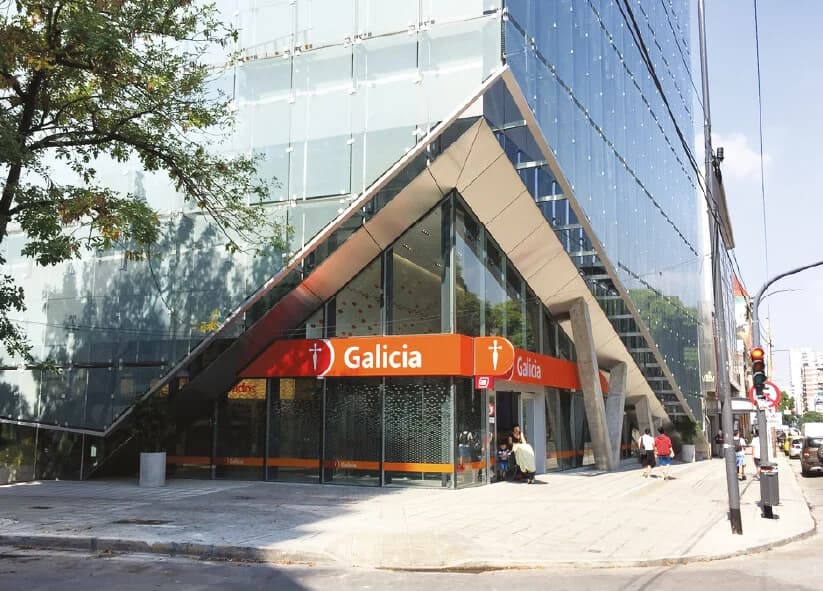
Net the saving against what the scheduling layer costs; the savings estimate does this for you. Banco Galicia shows the pattern in production: it outgrew its RPA scheduling, and with Optomo, errors recover faster and existing licenses do more work (read the story).
Team time freed from starting and rerunning processes is real, but it is capacity, not cash, until you decide what those hours go to. Keep it on a separate line from the license saving.
How to know it worked
Track five numbers per pool, monthly:
- Peak concurrent runs. On Blue Prism, pending and running sessions in the busiest 15 minutes. Should fall as work spreads inside the allowed windows.
- Utilization of licensed capacity. Should rise.
- Deadline hit rate per business service. Must not fall. If it does, the buffer is too thin or a window was missed.
- Failed runs waiting for a person. Should approach zero outside genuine business exceptions.
- Cost per completed case: cash run cost (licenses or runtimes, infrastructure and VDI time, AI agent model spend, and the orchestration layer's own fee) divided by cases completed, with team hours per case reported beside it, never added in. It should fall as licenses come out.
Where Optomo fits
Optomo is the neutral control layer over the estate you already run: UiPath, Blue Prism and Power Automate next to AI agents, APIs and people. It schedules against deadlines across all of them, without replacing any platform.
Most of the steps above can be done by hand on one platform. The two that lower the peak, scheduling against deadlines and recovering failures before they become reruns, need a layer above the platforms. Each platform's scheduler sees only its own queue, and the peak is built across all of them. Optomo does both across the whole estate.
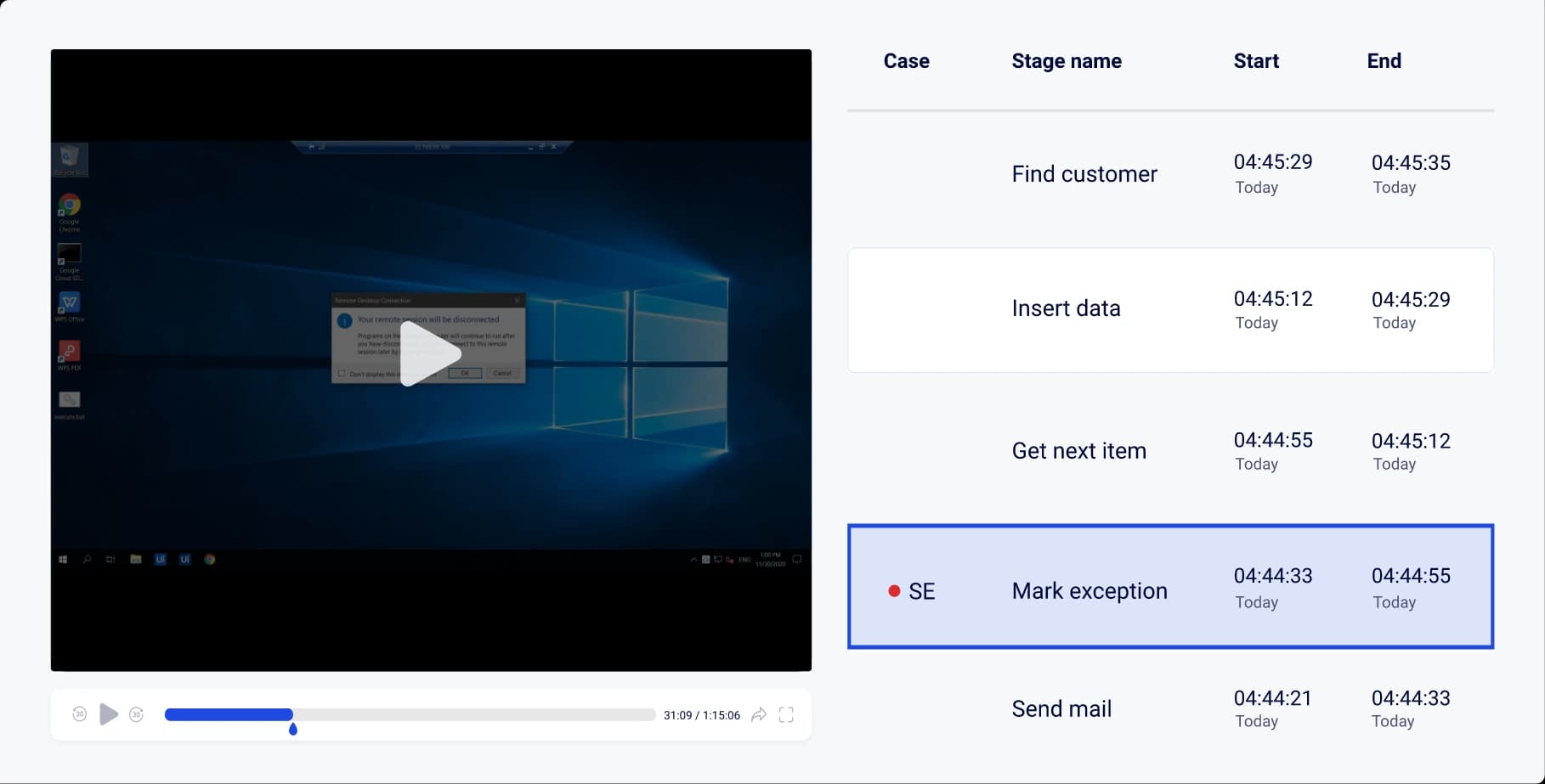
The same layer shows whether it worked. The Cockpit shows runs, queues and SLAs across RPA, AI agents, APIs and people in one view, with what Optomo did about each failure. You read the peak and the SLAs across the estate, not per platform, and that is the evidence for the number you buy at renewal.
Questions teams ask
Will moving start times break our SLAs?
Not if you schedule against the deadline instead of the start time. The deadline and the target-system windows become the constraints, and the start time becomes the variable. Track the deadline hit rate from day one so you can prove it.
Do we have to rebuild our automations?
No. The automations stay as they are. What changes is when and where they run, and what happens when they fail.
What happens to the vendor's own orchestrator?
It keeps running the work on its platform. A layer above it decides timing and recovery across platforms; it does not replace the platform.
What if our contract will not let us reduce licenses?
Then take the saving as growth: run new processes on the capacity you freed, and negotiate the next term from the measured peak instead of last year's count.
Does this work if we run more than one platform?
Yes. Licenses stay per platform, so pools stay per platform too. What planning across platforms adds is the shared constraints: the core-system hours and session limits that processes on every platform compete for.
How quickly does this pay back?
It depends on your renewal dates and on what your contracts allow. License cash lands at the first renewal whose notice date you can still meet, which is not always the first one after go-live, or earlier where growth would otherwise have meant budgeted purchases. Count team time separately, as capacity.
Put your own spend and platforms into the savings estimate. It expects 10% to 50% off each automation platform's cost, after Optomo's fee, until exact numbers are shared.